
Turn routine into a script...and run!
Build complex processes without a single line of code
Macros and automations
Computer vision
Visual scenario builder
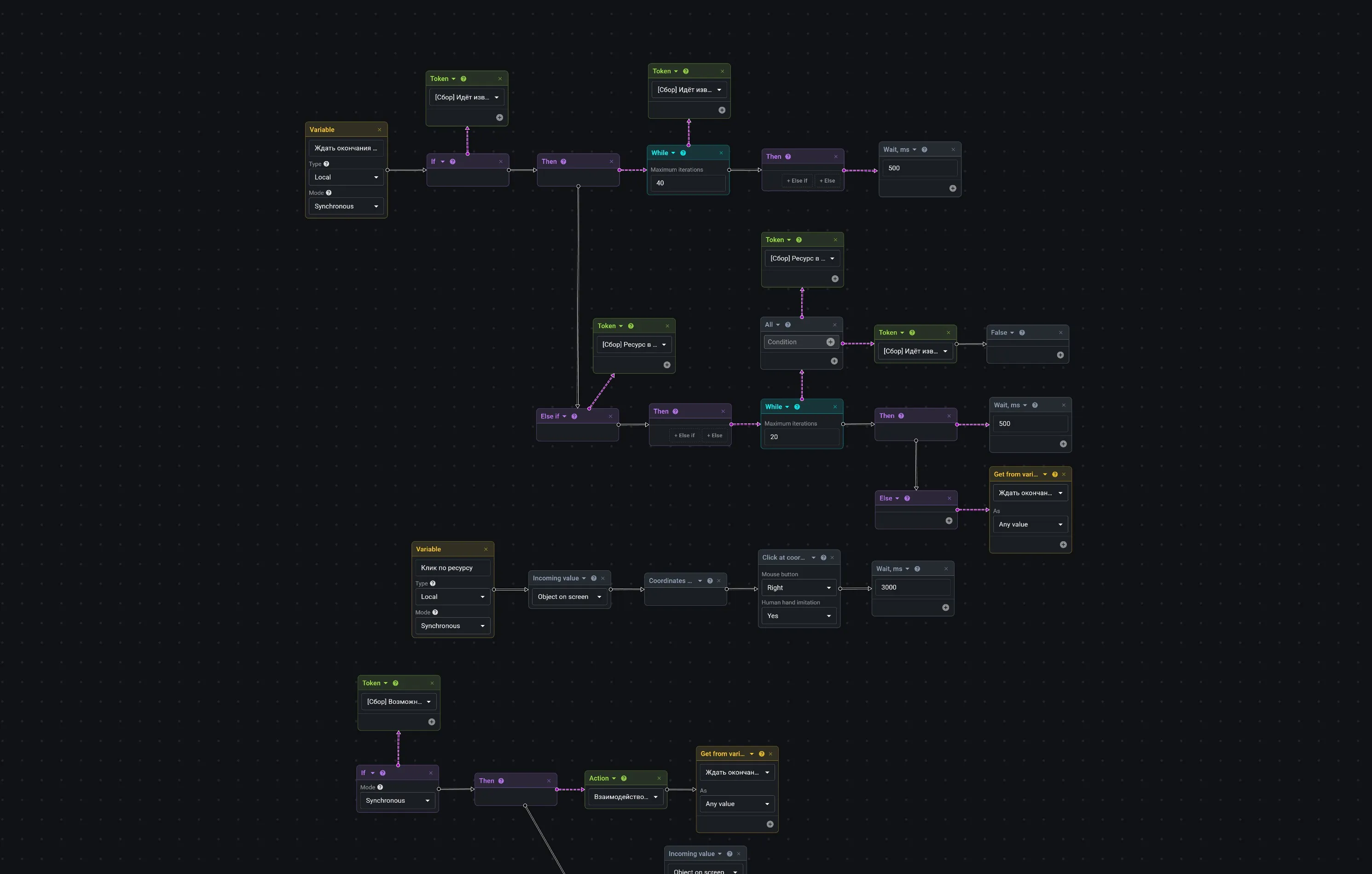
Professional macro editor
Absolute control over every keystroke. Record complex macros, remove recoil in games, or automate routine in work applications
Precise delay tuning
Trigger randomizer
Window-specific binding
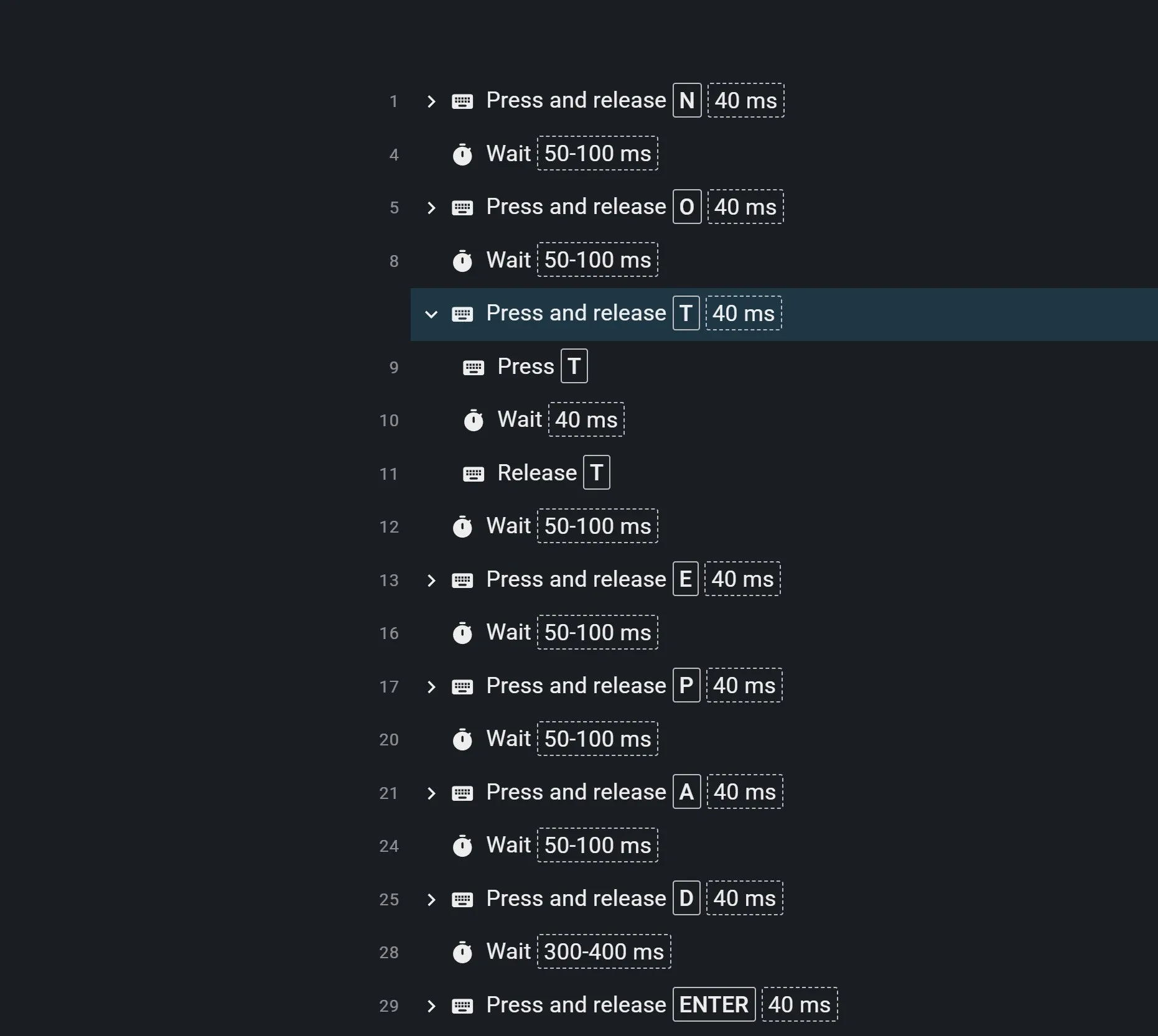
When a simple macro isn't enough
Build not just repeat sequences, but entire processes with conditions, waits, computer vision data, and reactions to events
Conditions, loops, comparisons
On-screen object detection and text reading
Variables, counters, events
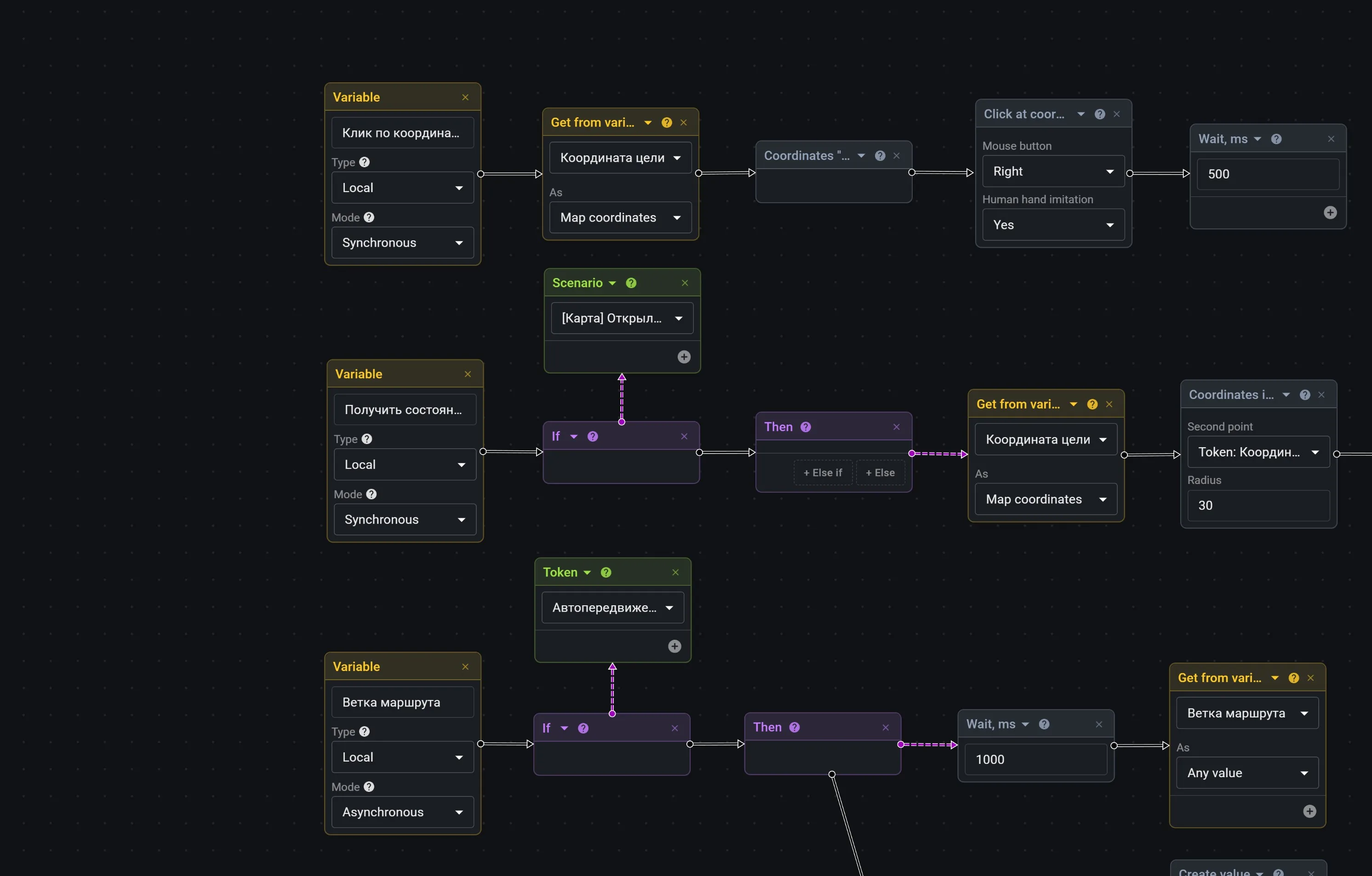
Your routine autopilot
Five seconds here. A minute of waiting there. Check status. Repeat. It's not the process that's costly, it's the time it takes
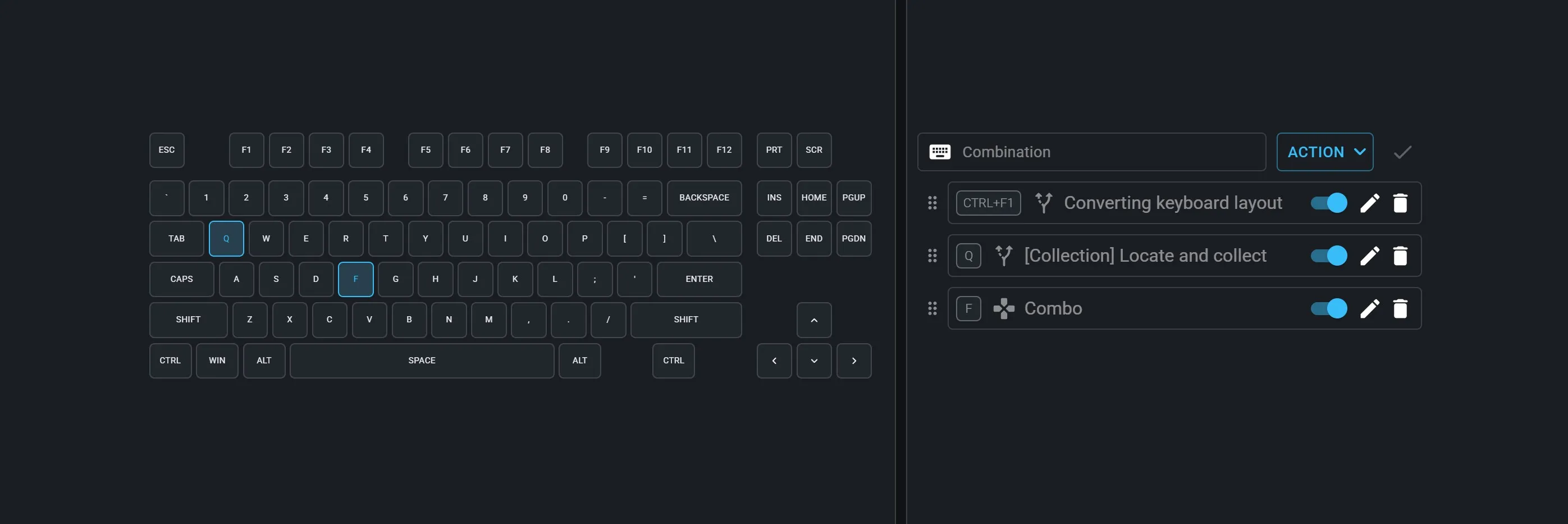
Hotkey assignment and launch
Simultaneous execution of multiple automations
Route planning and terrain maps
Everything is ready...launch it!
Don't waste time building from scratch. The community catalog already has hundreds of ready-to-use macros, automations, and computer vision models for games, work, and everyday tasks
Ready-made solutions for all kinds of tasks
Find it → add it → run it
New possibilities every day

Choose a plan
Free
Free
For an easy startIncluded:
3 macros
3 automations
Hotkey assignment
Computer vision
Maps and routes
1 parallel task
1 device
Pro
RUB 349
Save RUB 629 by paying yearlyEverything in Free, plus:
Unlimited macros
Unlimited automations
Application renaming
2 parallel tasks
Max
RUB 699
Save RUB 1,389 by paying yearlyEverything in Pro, plus:
Unlimited parallel tasks
2 devices
FAQ
Start with simple, everyday actions. For example, fixing a message typed in the wrong keyboard layout: copy text — convert — paste, elementary. The editor is simple yet feature-rich, and the built-in help section will answer all your questions
You should. The application doesn't recognize interfaces on its own. It works with a pre-trained model that you connect for your automations
A macro replays recorded mouse and keyboard actions. An automation makes decisions: checks conditions, waits for events, processes data, and runs different scenario branches
Automations don't hack games or read other processes' memory. They work with real input devices and screen images — just as if you were controlling the computer yourself
First automation — in 5 minutes. One-click macro recording. Visual scenario builder: assemble scenarios like a puzzle. Not a single line of code. Anyone can do it